PUBG: Battlegrounds · China · Account top-up
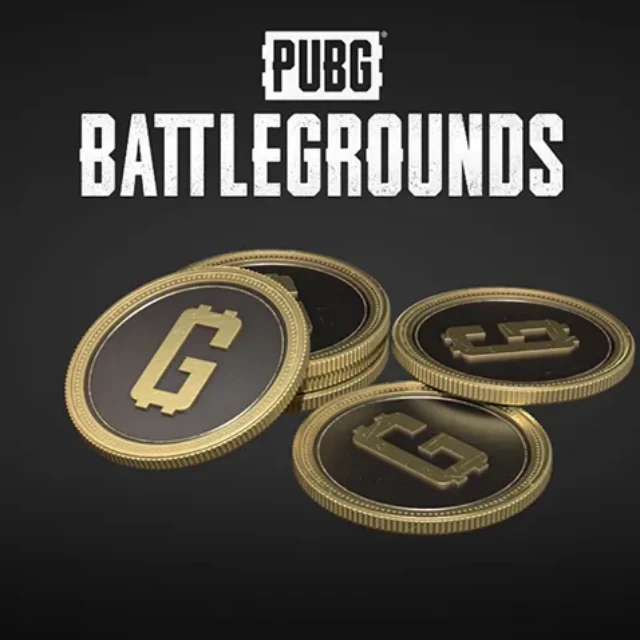
This is a G-Coin code for the PC PUBG: BATTLEGROUNDS, not PUBG MOBILE UC and not a purchase of the base game.
China
- PUBG · PUBG 100G-Coin Code 0.87 USD
- PUBG · PUBG 510G-Coin Code 4.31 USD
- PUBG · PUBG 1050G-Coin Code 8.62 USD
- PUBG · Pigff's Piggy Tactical Squad Super Mega Bundle 25.98 USD
- PUBG · Pigff's Tactical Assault Set 7.90 USD
- PUBG · Pigff's Piggy Tactical Squad Weapon Set 22.59 USD
- PUBG · Flashy Dragon Backpack Set 10.86 USD
- PUBG: Battlegrounds · 17shou's Cute Beast Set 8.52 USD
- PUBG: Battlegrounds · 17shou's Monster Backpack Set 8.52 USD
- PUBG: Battlegrounds · Gilded Sea Backpack Set 8.06 USD
Product overview
PUBG: BATTLEGROUNDS is a battle royale shooter where players drop onto large maps, scavenge gear and try to outlast the closing safe zone. G-Coin is its in-game paid currency, used for cosmetic items and other content.
This product is a fixed-denomination G-Coin code: after purchase you redeem the code on a compatible PUBG account and platform to add G-Coin to your balance. It suits regular PUBG: BATTLEGROUNDS players topping up, or makes a practical gift for a fellow player.
Region: China
The selected option delivers a redemption code or card credential, to be redeemed through the relevant issuer’s process.
Examples of listed options: PUBG · PUBG 1050G-Coin Code / PUBG · PUBG 2700 G-Coin - Code / PUBG · PUBG 5500 G-Coin - Code / PUBG · PUBG 11200 G-Coin - Code / PUBG · Pigff's Piggy Tactical Squad Super Mega Bundle. See the product option selector for the complete choices and current purchasable options.
Brand information and usage reference:www.pubg.com
🎯 How to use
Receive the G-Coin code for the selected option.
Read that code’s instructions and confirm it applies to PUBG: BATTLEGROUNDS and the intended receiving game account.
Use the redemption channel and steps specified for that code. Recheck the receiving account wherever the flow asks you to identify it.
After redemption, open PUBG: BATTLEGROUNDS and check the corresponding G-Coin balance.
⚠️ Important notes
This is G-Coin for PC PUBG: BATTLEGROUNDS, not UC for PUBG MOBILE, and it does not buy the base game.
G-Coin is virtual in-game value and cannot be withdrawn as cash.
Denominations are fixed; the exact tier is the one selected at purchase.
Codes from different distribution channels may follow different routes; use this code’s own instructions instead of a different game’s redemption page.
🛡️ Stay safe
Use redemption codes only in the relevant brand’s redemption interface. For top-ups, provide only the receiving details requested by the product. Never share login passwords or one-time verification codes, or use gift cards to pay alleged tax debts, release frozen funds or complete security checks.
❓ Frequently asked questions
Can this code top up PUBG MOBILE on my phone?
No. This code is G-Coin for PC PUBG: BATTLEGROUNDS; PUBG MOBILE uses a different currency, UC.
Must I submit a player ID when buying this code?
The current product delivers a G-Coin code and has no player-ID field at checkout. Follow the code instructions to confirm the receiving PUBG: BATTLEGROUNDS account when using it.
What if the redemption fails?
Check the account and steps first, then follow the issuer instructions that come with your specific code.
Do I need to provide a receiving account at checkout?
The current options deliver a code or card credential without a required receiving-account field at checkout. Choose the value or content you need, then use the delivered code through the redemption process for that product.
Scam prevention and account safety
- Do not share gift card codes, account passwords or verification codes with strangers.
- Check the account ID, region and face value before purchasing. Use the appropriate platform’s legitimate redemption page.
- Be wary of requests to pay fines, deposits or account-unlocking fees with gift cards. Do not buy or hand over codes at a stranger’s instruction.